How to Install the Connect App on Windows 10 for Wireless Projection
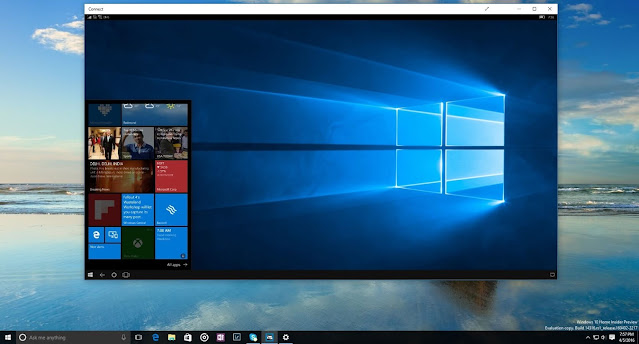
In this article, we have discussed the ways using which you can install the Connect App on your Windows 10 PC for a wireless projection. If you are a Miracast user whouses it to project the screen of another device on their Windows PC, you will probably be surprised to know that with the fall 2020 update, released in May, the Connect app has beenremoved, and it will no longer be available by default in the Windows 10PC. However, it can still be downloaded from the Microsoft Store. This article lists the instructions that you would need to install Connect App on Windows. So, if you want the app on your system, you may follow along the instructions listed below: First, you need to launch Settings on your PC. In order to quickly head over to the same, you can tap on the “gear” icon appearingon the left (second last from the bottom)of the Start menu. You may also simultaneously press the Windows + “i” on the keyboard. Further, under the “Settings,” you need to click on “Apps.” Under ...